
No products
New products
-

RTL-SDR V3 USB-C TCXO + SMA + Bias-T dongle with R860 tuner
51,25 € tax excl. -

-

-

868 MHz F4NLV SAW filter for Meshtastic Meshcore LoRa u.FL IPEX
18,90 € tax excl.
Viewed products
-

MMDVM Duplex hotspot...
BI7JTA's Raspberry Pi duplex MMDVM hotspot is a...
-

Coaxial cable extension 2, 5 or 10m MCX Male and bare end (KSR195)
1,21 € -30% 1,73 €
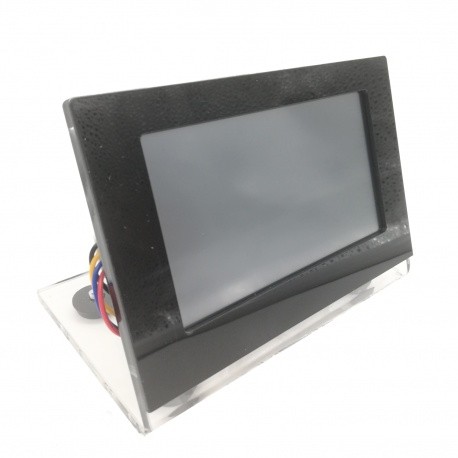
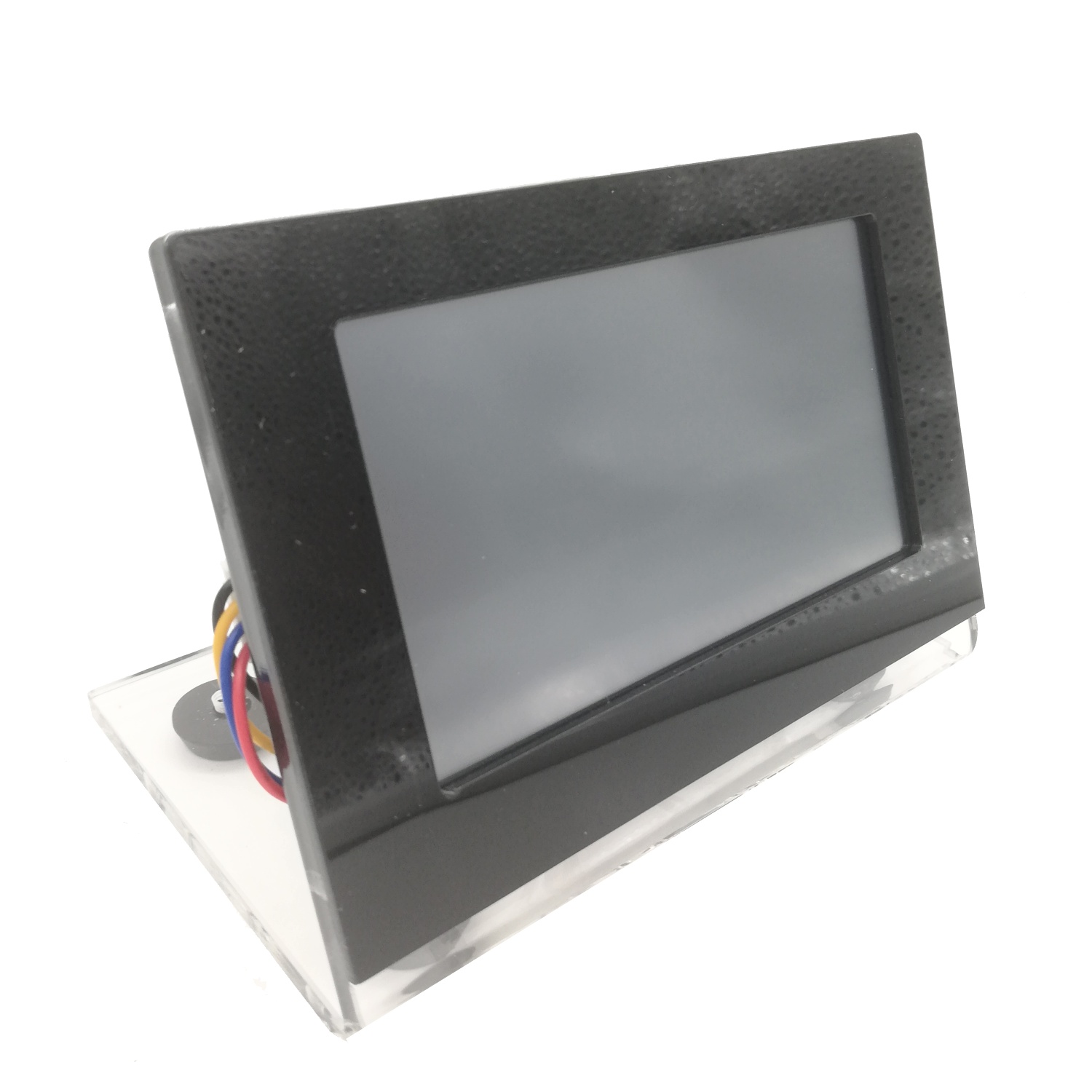
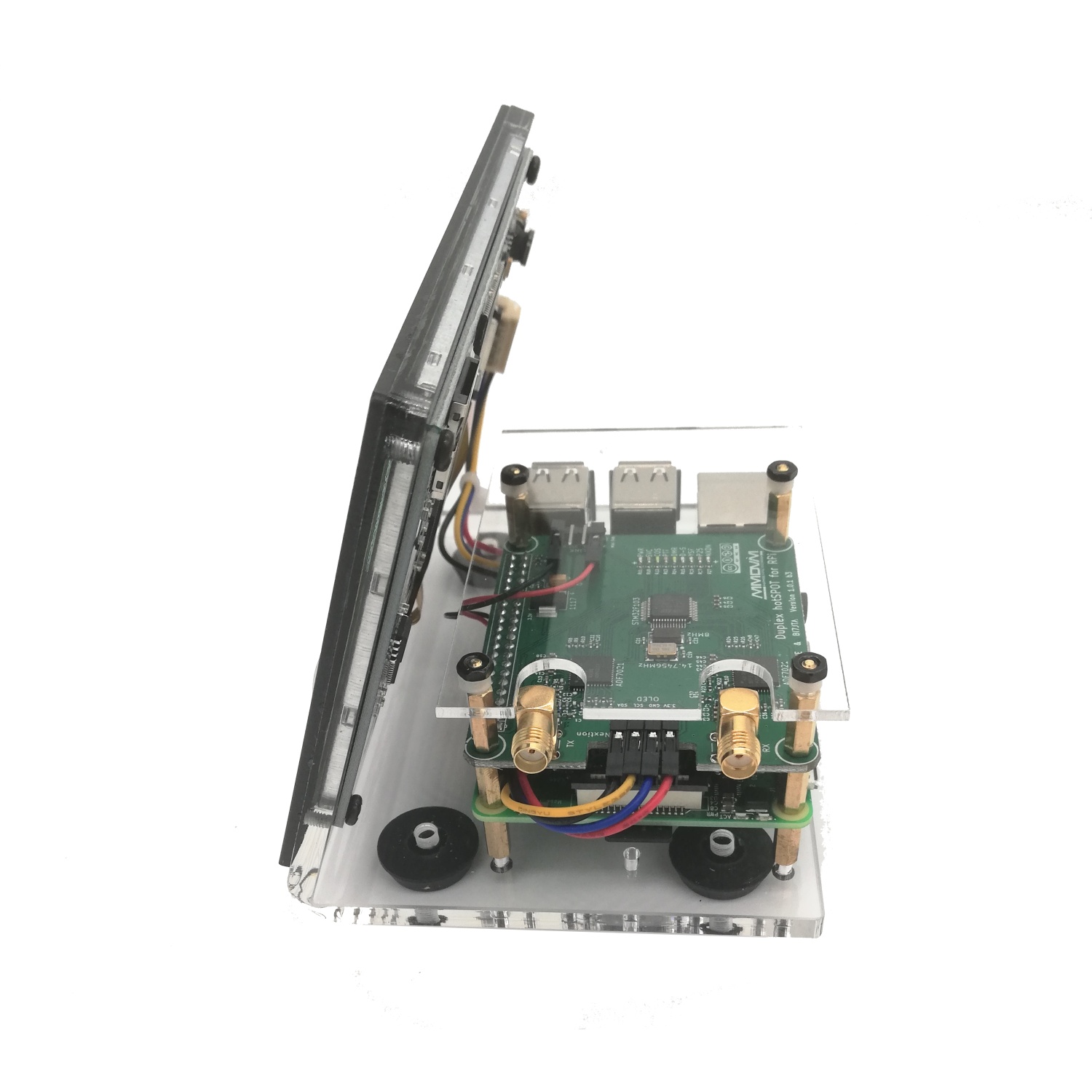
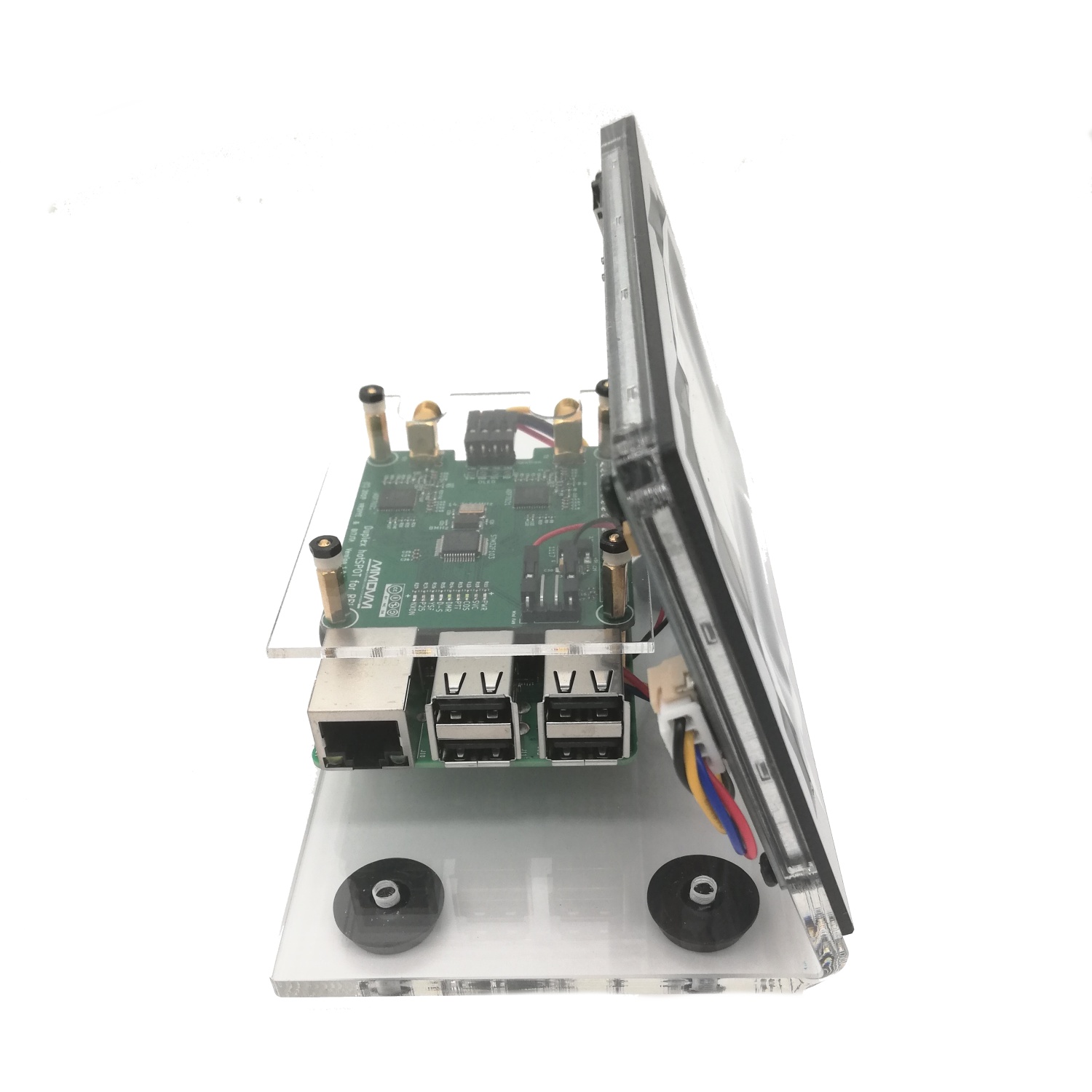
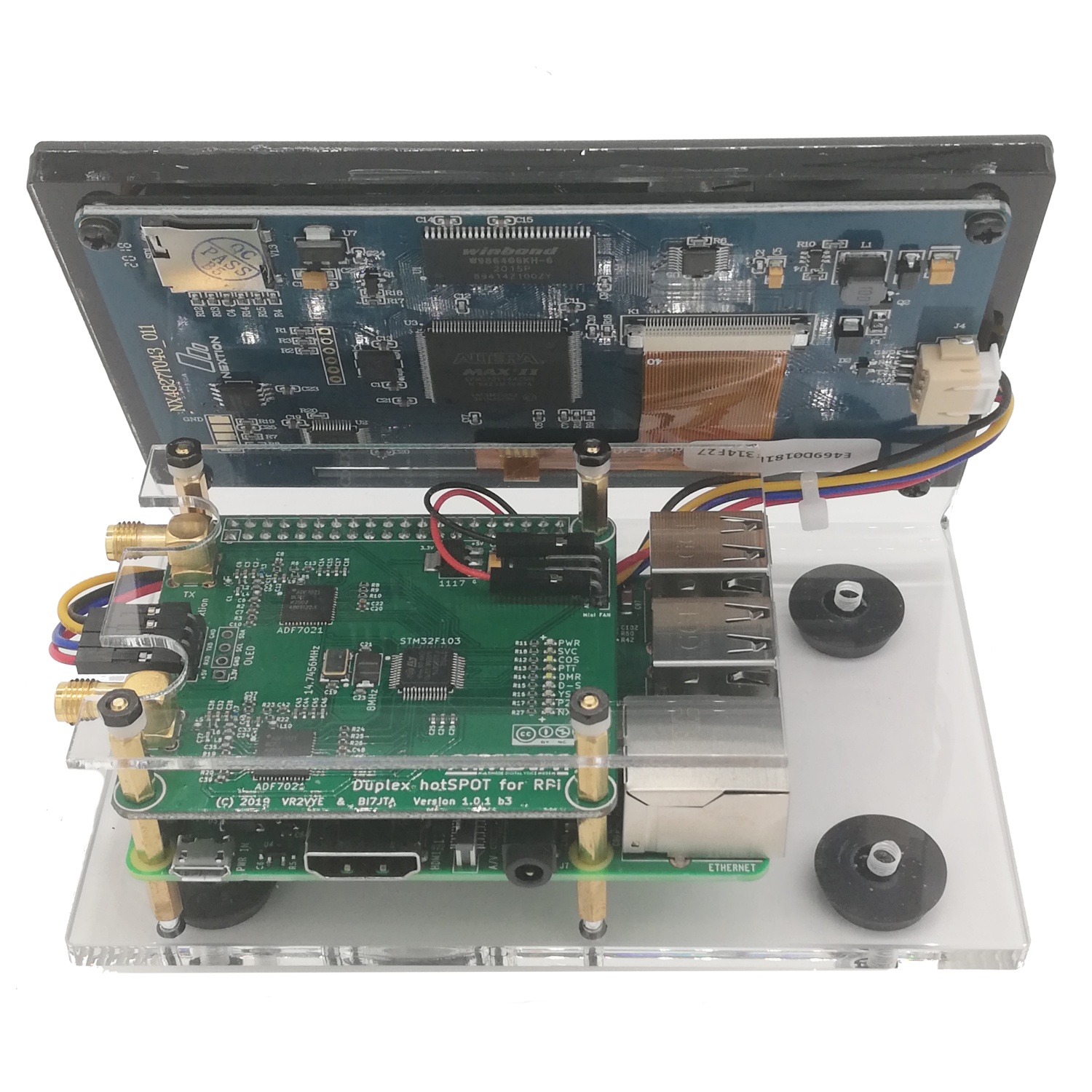

MMDVM Duplex hotspot Raspberry Pi with Nextion large screen
 No review at the moment
BI7JTA's Raspberry Pi duplex MMDVM hotspot is a multimode digital access point: D-Star, DMR, C4FM, P25, POCSAG and NXDN, for the amateur radio bands VHF 144-148Mhz and UHF 430-450Mhz, with 10mW maximum.
It comes complete, fully assembled and tested before shipment, with a PiStar image mounted* on the 8GB SD card provided.
This hotspot is dual-band VHF-UHF, the frequencies are limited to the amateur radio bands by the Pi-Star software.
The DUPLEX version, allows to use in DMR the 2 TimeSlot or to create a mini MMDVM repeater.
Available in 2 versions: 5" (12.7cm) screen or 3.5" (8.89cm) screen
Delivered assembled and tested: 1 duplex HAT hotspot board (version 1.0.1 b3) for Raspberry Pi, 2 433Mhz antennas, 1 acrylic L-shaped support for the Nextion screen, 1 acrylic protection panel for the MMDVM Duplex HAT board, 1 8GB SD memory card with mounted Pi-Star image, 1 Nextion screen (5" ou 3.5"), 1 Raspberry Pi 3B, 1 USB power cable, tablecloths and screws. Fully assembled and tested.
Download
Data sheet
MMDVM duplex hotspot configuration
1 - Connect the USB power cable and the RJ45 network cable to the Raspberry PI
2 - The IP address will be assigned by DHCP via the router of the internet box and displayed on the screen, eg. 192.168.xxx.xxx
3 - From a Chrome or Firefox browser, connect to the IP address indicated on http://192.168.xxx.xxx or directly from the address http://pi-star
4 - Go to the PiStar configuration page: http://pi-star/admin/configure.php
5 - Enter the username: pi-star and the password: raspberry
6 - Configure your callsign, your DMR ID, the frequency, the servers and digital modes to use (BM server, YSF reflector, etc.) see below*
7 - Configure the SSID and password of the WIFI network to use
8 - Save the configuration then disconnect the RJ45 cable, switch off and on the MMDVM duplex hotspot
9 - Configure your DMR radio or other mode, depending on the digital network to use, see below*
* Programming is to be performed by the user depending on the digital network used. Passion Radio does not provide programming support, you must contact the administrator of the network used in the event of a connection problem to their network (Brandmeister, IPSC2 France3, HBlink, YSF, D-Star, P25, NXDN, etc.).
Customers also bought
 6,40 €
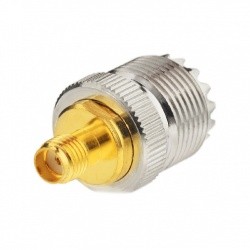
Reference: ADAPT-UHF-F-SMA-F-49
RF adapter UHF Female connector - SMA Female connector
6,40 €In stock 5,50 €
 10,90 €
Reference: ADAPT-DIAMOND-SMAJSMAJ-276
SMA to SMA RF adapter for handheld
10,90 €Out of stock, available in 2 to 3 months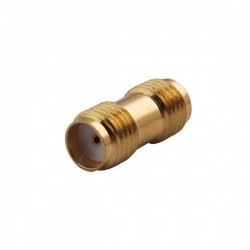 5,00 €
Reviews
Additional or similar equipment
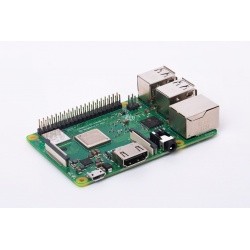
Raspberry Pi 3 B and B+ PLUS Quad Core WiFi Bluetooth 1GO HDMI FullHD Rpitx
The Raspberry Pi 3 model B+ has a Quad Core processor, WiFi and Bluetooth Low Energy (BLE), making it even easier to develop RF radio and IoT applications.1 GB RAM memory 802.11 Wi-Fi Bluetooth Low
51,43 € tax incl.Material no longer available42,86 €tax excl.
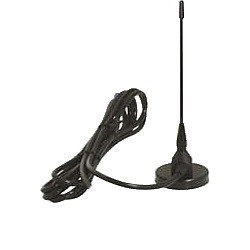
433Mhz SMA-M Magnetic antenna 2dBi Nagoya
Antenna high performance with a gain of 2dbi and SMA male connector for 433Mhz device and application Frequencies: 433Mhz +/-15MhzConnector: SMA male Length: 18 cmCable length: 3 meters Package
16,70 € tax incl.In stock13,92 €tax excl.
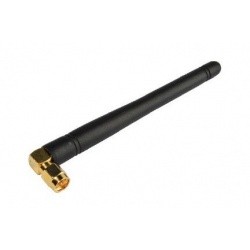
SMA-M angled 433Mhz mini antenna
433Mhz mini antenna (for e.g. DMR, D-Star, P25 or C4FM) with 2dbi gain, right-angle male SMA connector for UHF devices operating from 428Mhz to 438Mhz. Frequencies: 433Mhz +/-5MhzConnector:
5,76 € tax incl.In stock4,80 €tax excl.
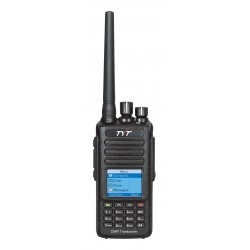
Waterproof DMR Handheld TYT MD-390 singleband UHF / DMR+FM
The walkie-talkie TYT MD-390 is a conventional FM (analog) and a digital DMR radio compatible Tier 1 & 2 (with Motorbro Motorola and Hytera), Waterproof (IP67), 2200mAh battery, with new vocoder
125,10 € tax incl.Product available with different options104,25 €tax excl.
139,00 € -10%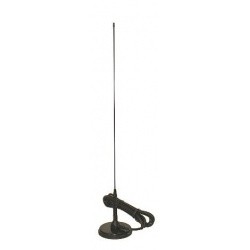
Magnetic Nagoya antenna 144/430Mhz 53cm for handheld UT-72
This dual-band 144/430Mhz magnetic antenna measures 53cm (with magnetic base) and can be used with a walkie-talkie or mobile unit. Also works in reception from 100Mhz to 180Mhz and 400 to 500Mhz
28,96 € tax incl.In stock24,13 €tax excl.
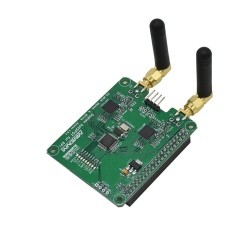
Raspberry Pi DUPLEX HAT MMDVM DMR D-Star C4FM POCSAG
This MMDVM for Raspberry Pi 3B and 3B+ and Raspberry PI 4, provides a multimode digital access point: D-Star, DMR, C4FM, P25, POCSAG and NXDN. The DUPLEX version, allows to use in DMR the 2 TimeSlot
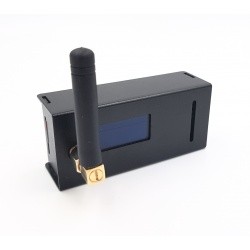
Hotspot MMDVM Raspberry Zero Pi-Star DMR D-Star C4FM POCSAG
The Pi-Star Zero Hotspot from BI7JTA is a digital MMDVM access point: D-Star, DMR, C4FM, P25, POCSAG and NXDN, for the amateur radio bands VHF 144-148Mhz and UHF 430-450Mhz and with internet
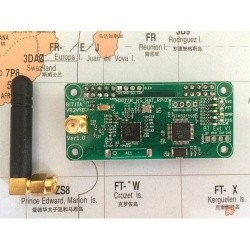
PCB HAT Zero Rpi Hotspot MMDVM
The Zero Rpi Hotspot board is an MMDVM digital access point: D-Star, DMR, C4FM, P25, POCSAG and NXDN, for the VHF 144-148Mhz and UHF 430-450Mhz radio bands. This hotspot is dual-band VHF-UHF,
47,20 € tax incl.39,33 €tax excl.
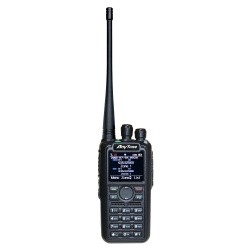
59,00 € -20%Anytone DMR AT-D878UVII (V2) PLUS 144-430MHz APRS GPS BLUETOOTH Firmware V3
The new Anytone AT-D878UV II Plus is a dual-band 144 / 430MHz (VHF and UHF) , analog FM and digital DMR walkie-talkie, Tier I & II, Motorbro and Hytera compatible, TDMA (2 TimeSlot), with VFO
215,00 € tax incl.In stock179,16 €tax excl.
229,00 €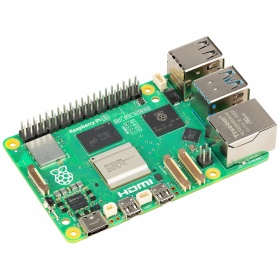
Raspberry Pi 5 WiFi 2.4 / 5.0 GHz HDMI 4K BLE 5.0 DDR 4GO or 8GO
The new Raspberry Pi 5 is the latest development in the RPi series. Compared with its predecessor, it features a faster Broadcom BCM2712 processor running at 2.4 GHz, with 4GB or 8GB of SDRAM memory,
See more equipment



Europe & Overseas
Shipped from France
Product return
14 days to return, 2 warranty
Email support
Response within 24h to 72h
Secure payment
SSL, VISA, Mastercard, Paypal
Copyright 2014-2026 - Passion Radio / 4 MY PEOPLE
Les photos et coloris ne sont pas contractuels.